

How to upgrade the firmware of an analog walkie - talkie (if applicable)?
Jan 14, 2026
Leave a message
Upgrading the firmware of an analog walkie - talkie can be a crucial step to enhance its performance, add new features, and ensure compatibility with other devices. As a supplier of Analog Walkie-talkie, I understand the importance of this process and am here to guide you through it.
Understanding Analog Walkie - Talkies and Firmware
Before delving into the firmware upgrade process, it's essential to understand what analog walkie - talkies are. Analog walkie - talkies, also known as Walkie Talkie Analog, transmit communication signals in a continuous waveform. Unlike digital walkie - talkies that convert signals into binary data, analog ones use the original voice or sound waves directly.
Firmware, on the other hand, is a type of software that is embedded in a hardware device. It controls the device's basic functions and operations. For analog walkie - talkies, firmware can determine aspects such as channel settings, power output, and audio quality. Upgrading the firmware can improve these functions, fix bugs, and sometimes even add new capabilities.
Is Firmware Upgrade Applicable to Analog Walkie - Talkies?
Not all analog walkie - talkies support firmware upgrades. In the past, many basic analog models had fixed - function firmware that could not be changed. However, with advancements in technology, modern analog walkie - talkies, especially those with more advanced features, often come with the ability to upgrade their firmware.
If your analog walkie - talkie has a micro - USB port or other data transfer interfaces, it is more likely to support firmware upgrades. Additionally, if the manufacturer provides firmware upgrade information on their website, it's a good indication that the device can be upgraded.
Steps to Upgrade the Firmware of an Analog Walkie - Talkie
Step 1: Check the Manufacturer's Website
The first and most crucial step is to visit the manufacturer's official website. Look for the support or downloads section. Here, you can find information about whether your specific model of Analog Two Way Radio supports firmware upgrades and the latest firmware version available.
Make sure to enter your walkie - talkie's model number accurately. This will ensure that you download the correct firmware version. Incorrect firmware can cause the device to malfunction or even become inoperable.
Step 2: Download the Firmware
Once you have confirmed that your device supports firmware upgrades and located the latest version, download the firmware file to your computer. The file is usually in a compressed format, such as a ZIP file.
It's important to save the file in a location where you can easily find it later, such as your desktop or a dedicated downloads folder.
Step 3: Prepare the Walkie - Talkie
Before proceeding with the upgrade, make sure your walkie - talkie is fully charged. A power outage during the upgrade process can cause permanent damage to the device.
You may also want to backup any important settings on your walkie - talkie. Some upgrades may reset the device to its factory settings, and having a backup will allow you to restore your preferred settings quickly.
Step 4: Install the Upgrade Software (if required)
Some manufacturers require you to install specific software on your computer to facilitate the firmware upgrade process. If this is the case, follow the instructions provided by the manufacturer to download and install the software.
Make sure your computer meets the system requirements for the software. This may include having a certain operating system version, available RAM, and free disk space.
Step 5: Connect the Walkie - Talkie to the Computer
Use a suitable data cable to connect your walkie - talkie to your computer. Most modern devices use a micro - USB cable for this purpose.
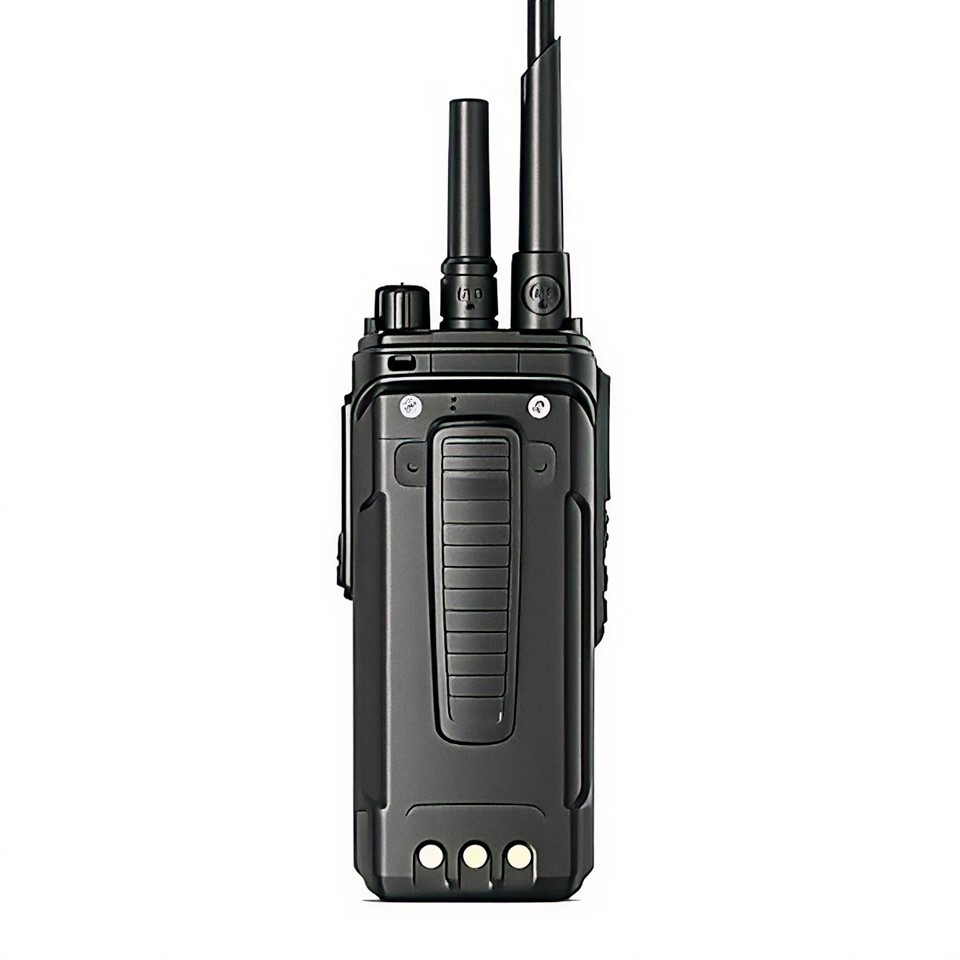
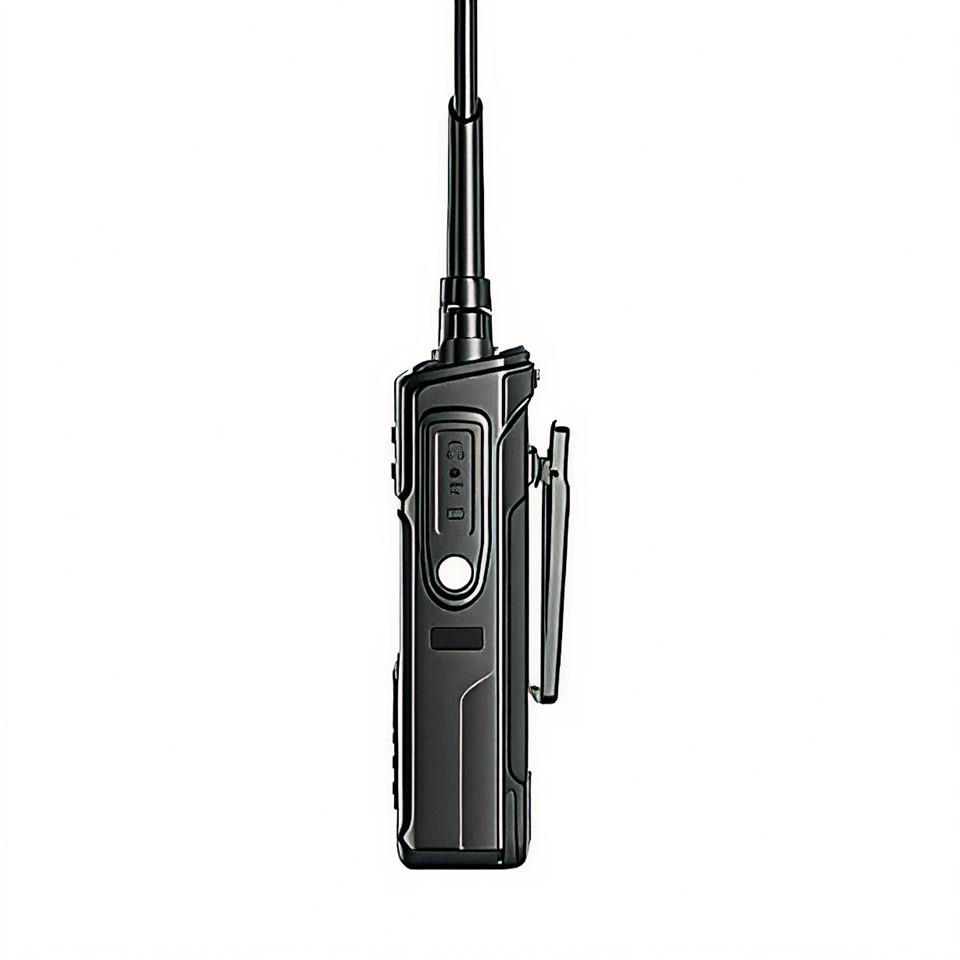
Once connected, the computer should recognize the walkie - talkie. If it doesn't, you may need to install the device drivers provided by the manufacturer.
Step 6: Start the Firmware Upgrade
Open the upgrade software on your computer and follow the on - screen instructions. Usually, you will need to select the firmware file you downloaded earlier and then initiate the upgrade process.
During the upgrade, the walkie - talkie may display a progress bar or other indicators. Do not disconnect the device or turn off your computer until the upgrade is complete.
Step 7: Verify the Upgrade
After the upgrade process is finished, the walkie - talkie may restart automatically. Once it has restarted, check the device to ensure that the firmware upgrade was successful.
You can do this by checking the menu settings for the firmware version number. Compare it with the version number of the firmware you downloaded. You can also test the device's functions to ensure that everything is working as expected.
Tips and Precautions
- Read the Manual: Always refer to the user manual that came with your walkie - talkie before attempting any firmware upgrade. The manual can provide specific instructions and warnings for your device.
- Stable Environment: Make sure your computer and the walkie - talkie are in a stable environment during the upgrade. Avoid using other resource - intensive applications on your computer that could cause disruptions.
- Contact Support: If you encounter any issues during the upgrade process, do not hesitate to contact the manufacturer's support team. They can provide assistance and troubleshooting guidance.
Benefits of Firmware Upgrades
Upgrading the firmware of your analog walkie - talkie can bring several benefits. Firstly, it can improve the audio quality. Newer firmware may have better noise - cancellation algorithms, resulting in clearer and more understandable communication.
Secondly, it can enhance the device's compatibility with other radio systems. If you need to communicate with different types of walkie - talkies or radio networks, a firmware upgrade can ensure seamless interoperability.
Finally, firmware upgrades can add new features to your device. This could include additional channel settings, more advanced privacy codes, or improved battery management.
Conclusion
As a supplier of analog walkie - talkies, I highly recommend keeping your devices up - to - date with the latest firmware. While the process may seem daunting at first, following the steps outlined above can make it a straightforward and rewarding experience.
If you are interested in purchasing high - quality Analog Walkie - talkies or have any questions about firmware upgrades, feel free to contact us for more information and to start a procurement discussion. We are committed to providing you with the best products and support.
References
- Manufacturer's user manuals for analog walkie - talkies
- Technical documentation from walkie - talkie manufacturers regarding firmware upgrades